Introduction
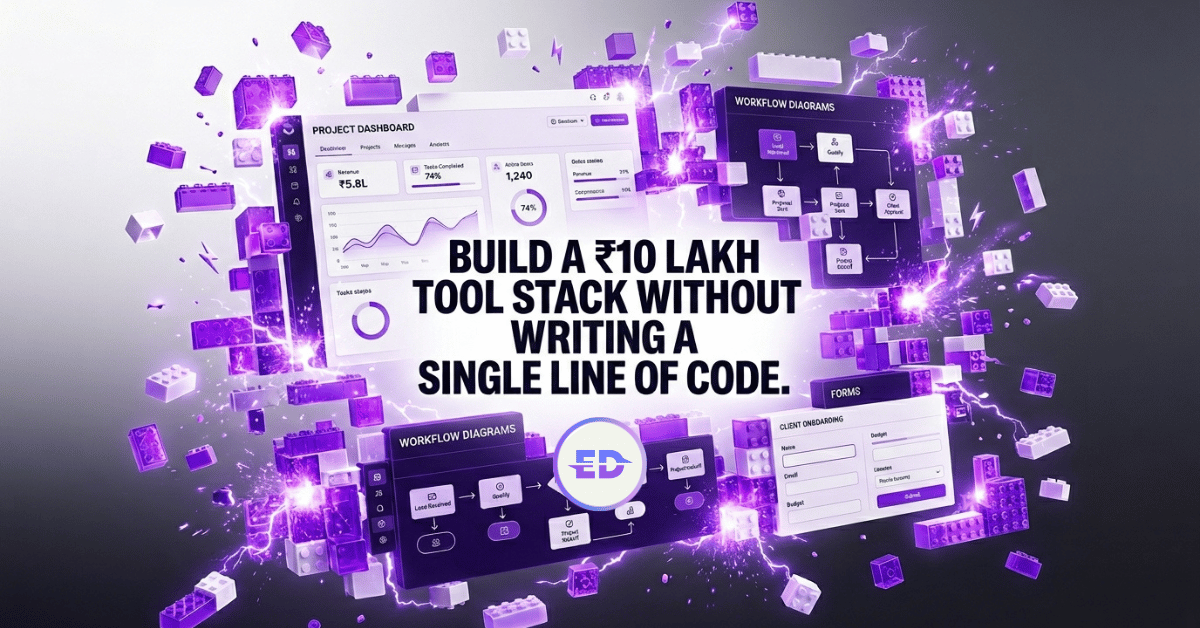
The no-code revolution has fundamentally changed the economics of building operational infrastructure for Indian startups. In 2020, a startup needed three to five engineers to build an internal CRM, a customer portal, an automated invoicing system, and a reporting dashboard. In 2026, a single operations person with no coding background can build all four in a week using no-code tools.
This article provides a practical guide to the no-code and low-code landscape relevant to Indian startups in 2026 - what to build, which tools to use, where no-code excels, and where it hits its limits.
The No-Code Stack for Indian Startups
The no-code ecosystem in 2026 is mature enough to handle most operational needs of startups from zero to Rs 10 crore in revenue. Here is the recommended stack by function:
Website and Landing Pages
- Webflow - marketing websites (pricing starts at Rs 1,200/month for basic plans)
- Carrd - single-page landing pages and campaign pages (Rs 500/year)
- Framer - design-forward brand sites with complex animations and interactions
Internal Tools and Dashboards
- Retool - building internal admin panels, customer management tools, and operational dashboards connected to your database
- Glide or Softr - building simple internal apps on top of Google Sheets or Airtable data
- AppSmith or Budibase - open-source alternatives to Retool, suitable for startups with basic technical capability
Automation and Workflows
- Zapier - the most accessible automation platform, with 6,000+ app integrations
- Make (formerly Integromat) - more complex workflow logic at lower price points
- n8n - self-hosted, open-source alternative for startups that want full control over their automation infrastructure
Databases and Backend
- Airtable - relational database with a spreadsheet interface, excellent for operations teams
- Supabase - open-source Firebase alternative for startups that need a proper backend without building one from scratch
- Xano - building a complete backend (API, database, business logic) without writing code
Customer Communication
- Intercom or Crisp - live chat and customer messaging
- Customer.io or Brevo (formerly Sendinblue) - automated email and WhatsApp campaigns
- Typeform or Tally - forms and surveys with sophisticated logic
What to Build with No-Code (and What Not To)
No-code tools excel in four categories:
Internal Operations Tools: CRM systems customised to your workflow, inventory management dashboards, employee onboarding checklists, and internal knowledge bases. These tools do not need to handle massive scale, they change frequently as your processes evolve, and they need to be built quickly. No-code is the ideal solution.
Automated Workflows: Lead routing from website form to CRM to Slack notification. Invoice generation triggered by subscription renewal. Weekly report compilation from multiple data sources. Customer feedback collection and routing. These multi-step automations are the highest-ROI no-code implementations.
Customer-Facing Portals: Client dashboards showing project status, self-service knowledge bases, booking and scheduling systems, and simple e-commerce workflows. At early stages, a no-code customer portal is often better than a custom-built one because it can be iterated on rapidly without engineering resources.
Marketing and Growth Experiments: Landing page A/B tests, email campaign automation, referral program tracking, and event registration flows. The speed of iteration possible with no-code tools makes them ideal for growth experimentation.
Where No-Code Struggles
No-code tools struggle in three categories where custom development is usually necessary:
- Core Product - if your product is a software application that customers use daily, build it with code. No-code tools lack the performance, customisation, and reliability required for a production software product
- High-Scale Data Processing - if you need to process more than 10,000 records per day or perform complex data transformations, no-code tools will hit performance limits
- Complex Business Logic - if your operational logic involves more than 15-20 conditional steps, multiple exception paths, and real-time decision-making, no-code workflows become fragile and difficult to debug
Cost Analysis: No-Code vs. Custom Development
For a typical Indian startup building five internal tools and ten automated workflows:
| Approach | Team Cost | Tool/Infra Cost | Total Annual | Timeline |
|---|---|---|---|---|
| No-code | Rs 6-10 lakh (1 ops person) | Rs 6-18 lakh/year | Rs 12-28 lakh | 2-4 weeks |
| Custom dev | Rs 30-60 lakh (2-3 engineers) | Rs 5-10 lakh/year | Rs 40-80 lakh | 6-12 months |
The no-code approach is 3-5x cheaper and 4-8x faster for operational tooling. The economic advantage is overwhelming for startups at the pre-Series A stage.
However, the cost calculation shifts as scale increases. Beyond Rs 5 crore annual revenue, the limitations of no-code tools - performance constraints, limited customisation, vendor lock-in risk - begin to outweigh the cost advantages.
The optimal approach for growing Indian startups:
- Build operational infrastructure with no-code tools initially
- Identify which tools are mission-critical and under the most scaling pressure
- Migrate those specific tools to custom-built solutions when usage volume or complexity justifies the investment
Building a No-Code Culture
The most significant barrier to no-code adoption in Indian startups is not technology - it is organisational. Many teams default to asking engineering for every operational tool, even when a no-code solution would be faster and equally effective.
Building a no-code culture requires:
- Identifying 1-2 people on the operations team as “no-code champions” who invest time in learning the tools deeply
- Establishing a clear guideline for when to use no-code vs. custom development
- Celebrating no-code wins internally to build confidence and adoption
- Creating a shared library of templates and workflows that team members can duplicate and modify
Pro tip: The goal is not to eliminate engineering involvement in operations tooling but to reserve engineering capacity for problems that genuinely require custom code. Every hour an engineer spends building an internal dashboard that could be built in Retool is an hour not spent on the core product. No-code tools, used strategically, multiply the output of the entire organisation.
FAQ
What is the difference between no-code and low-code tools? No-code tools require zero programming knowledge - they use visual interfaces with drag-and-drop elements. Low-code tools provide a visual interface but allow (or sometimes require) custom code for advanced functionality. For most startup operations teams, no-code tools like Zapier, Airtable, and Retool are sufficient. Low-code tools like Supabase and Xano become useful when you need more customisation.
Can no-code tools handle enterprise-grade security? Tools like Retool, Airtable, and Zapier offer SOC 2 compliance, SSO, and role-based access control in their business and enterprise tiers. For most startup use cases, these security features are adequate. However, if you are handling sensitive financial or health data subject to specific Indian regulations, evaluate each tool’s compliance certifications carefully before implementation.
How do I choose between Zapier and Make for automation? Zapier has a larger app directory (6,000+ integrations) and a simpler interface, making it better for basic automations. Make offers more visual workflow design, better handling of complex logic with branching and loops, and is 30-40% cheaper for equivalent volumes. For budget-conscious Indian startups, Make typically offers better value.
What happens if a no-code platform I rely on shuts down? Vendor lock-in is the primary risk of no-code adoption. Mitigate this by documenting all workflows and their logic independent of the tool, using open-source alternatives (n8n for automation, Appsmith for internal tools) where possible, and avoiding building your core product on no-code. Operational tools are replaceable; core products are not.
How many hours per week can no-code automation save a 10-person team? A well-designed automation stack eliminates 15-20 hours of manual work per week for a typical 10-person startup team. The highest-impact automations are usually lead routing and notification, customer onboarding sequences, weekly metrics reporting, and invoice generation - each saving 3-5 hours per week.